Get Started
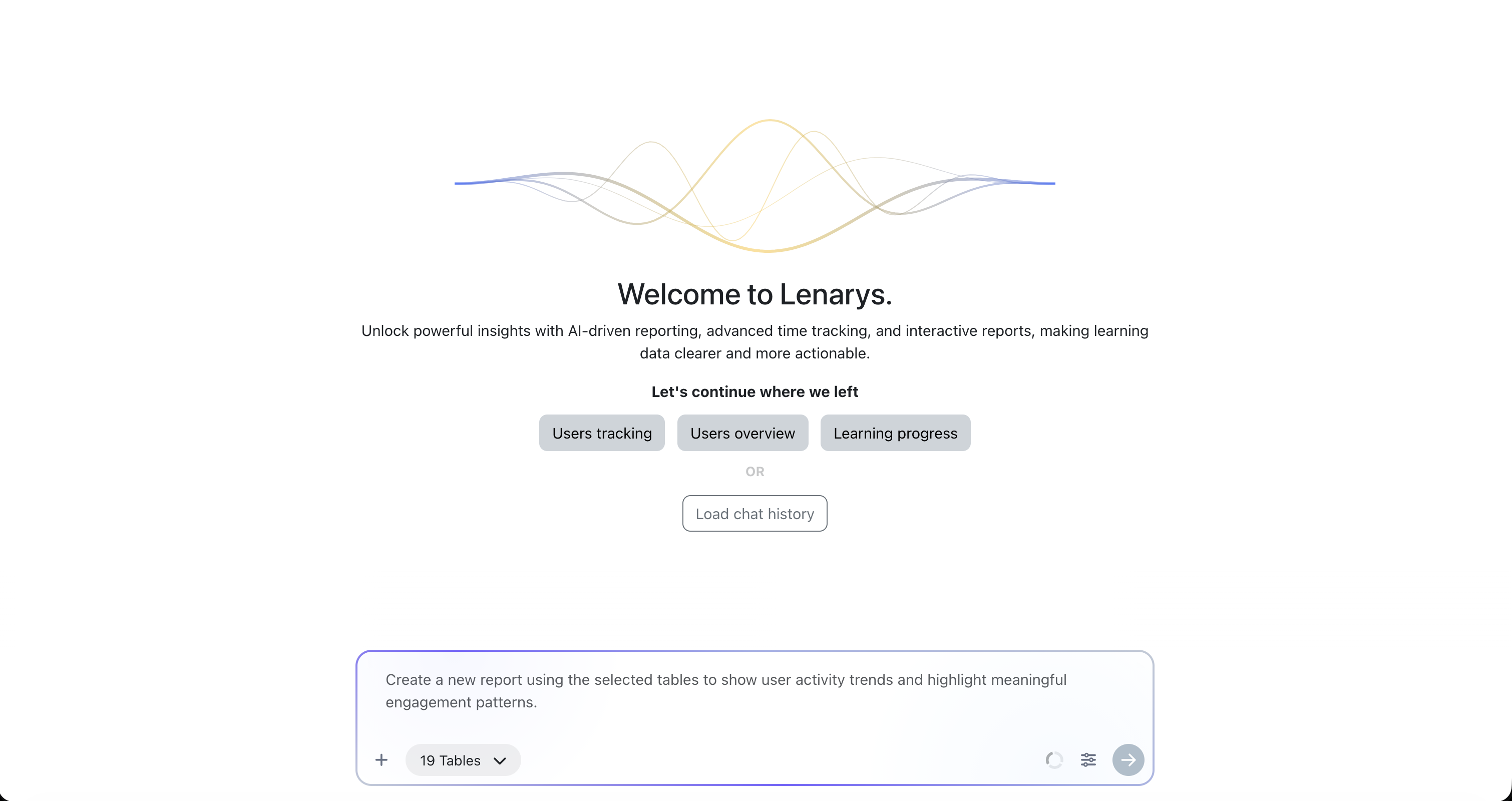
Install Lenarys Analytics, a plugin for the Moodle™ platform to access advanced reports, time tracking, schedules, and AI-assisted report creation.
- 30-day free trial
- No credit card required
- Cancel anytime
Install Lenarys Analytics, a plugin for the Moodle™ platform to access advanced reports, time tracking, schedules, and AI-assisted report creation.
Download Lenarys Analytics from the official platform listing or GitHub release to begin setup.
Install the plugin, connect your site, and confirm the right admin access.
View reports, explore learner activity, and share selected data with your team.
Plugin tour
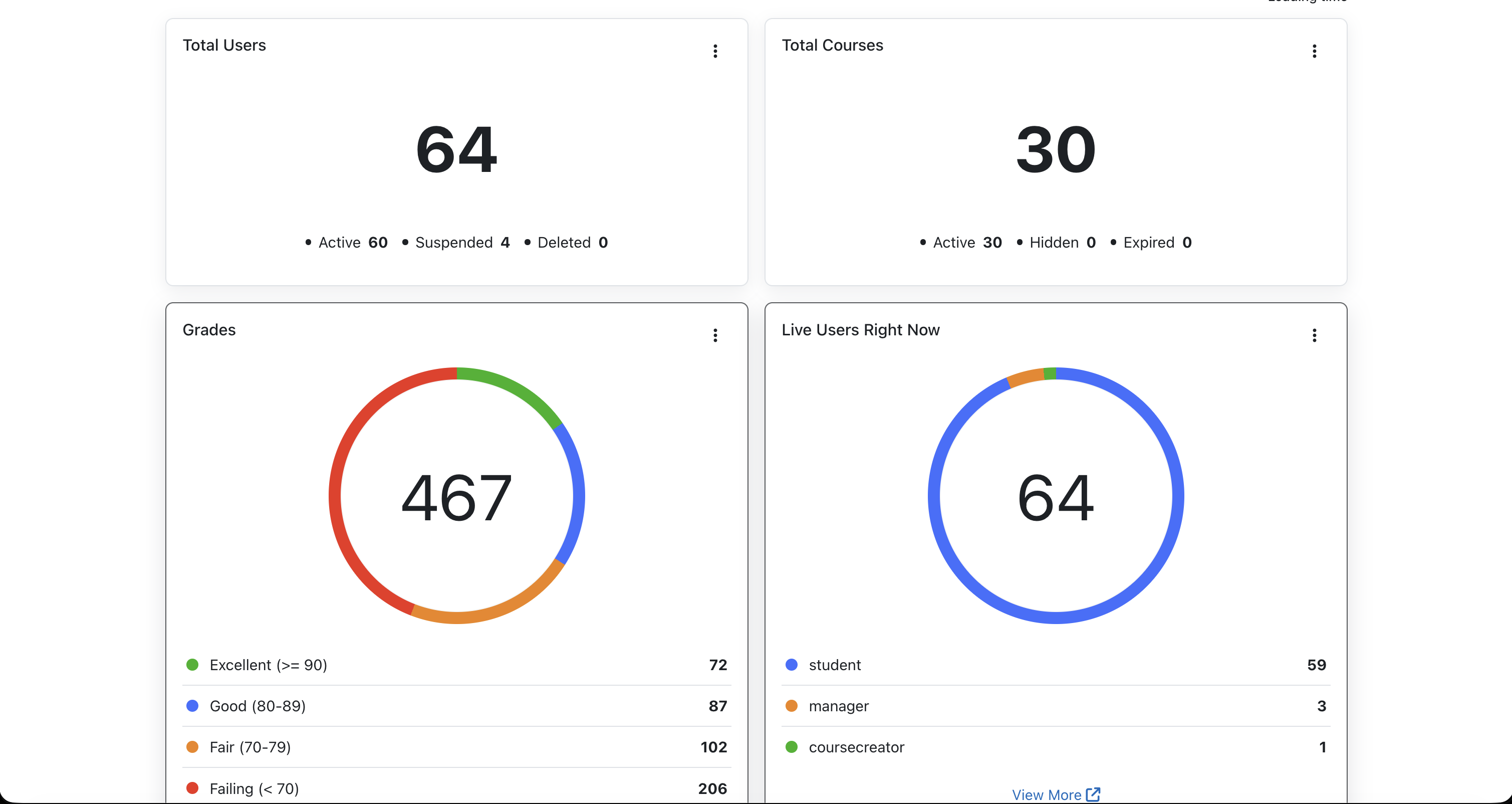
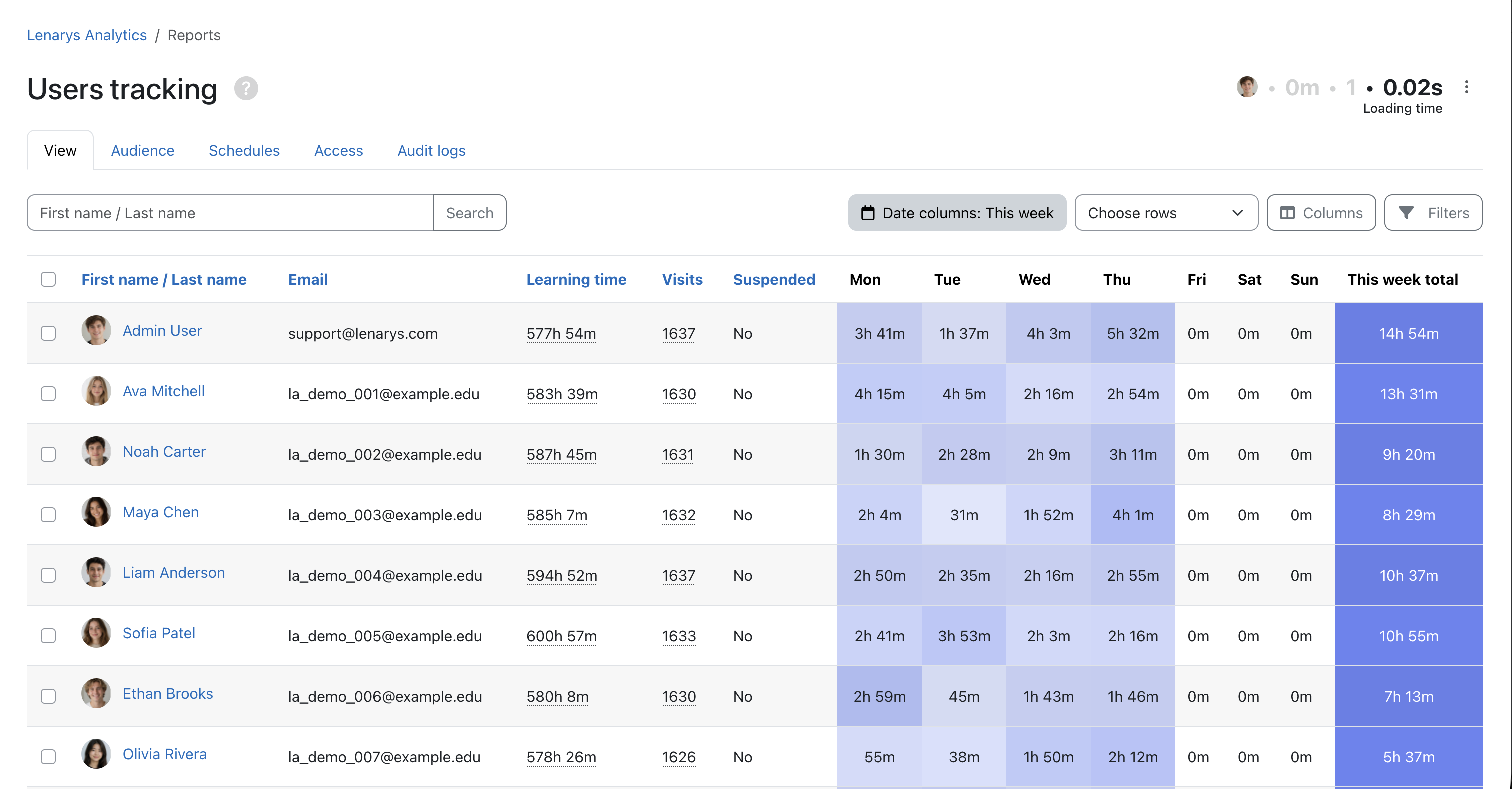
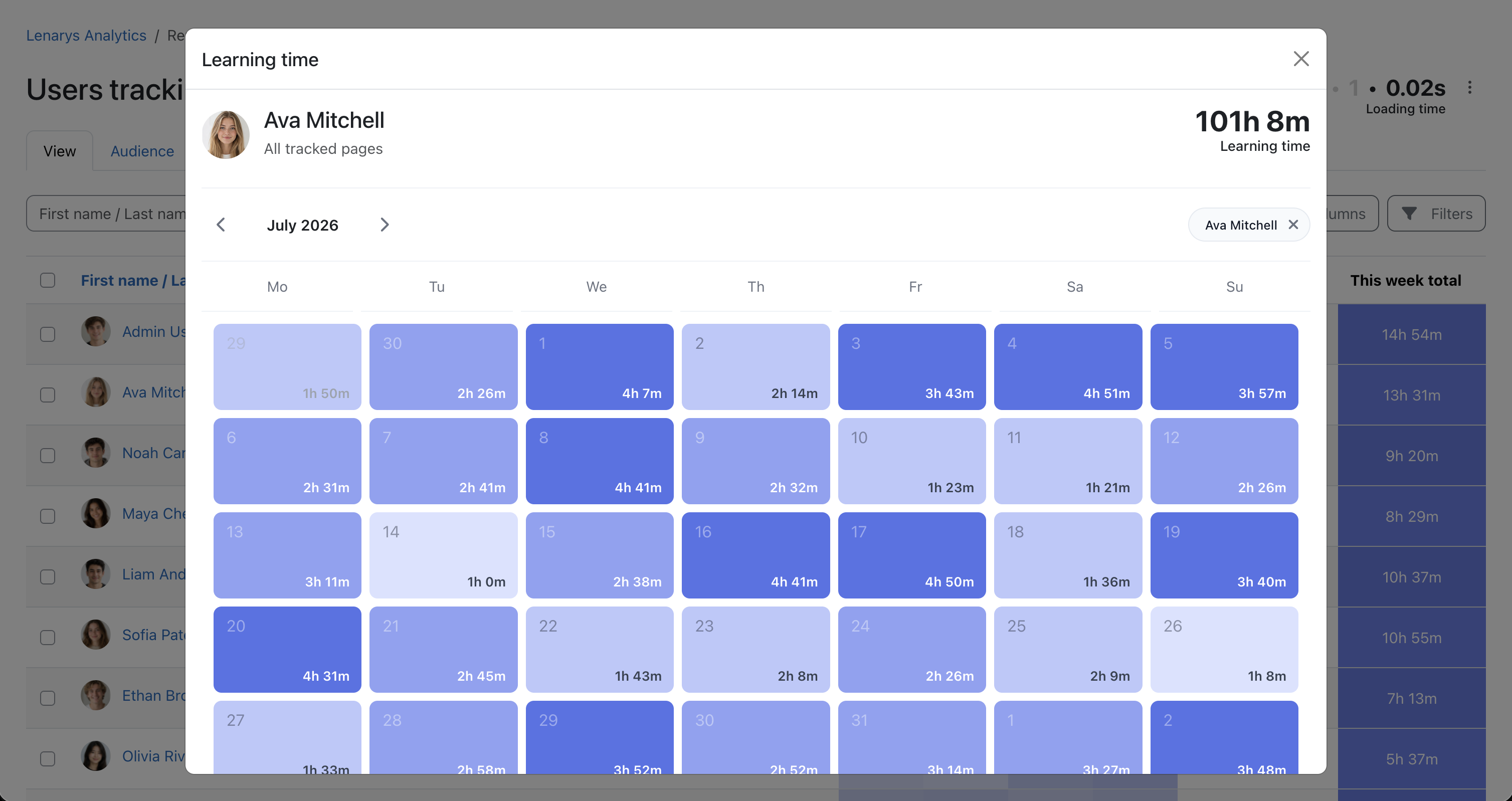
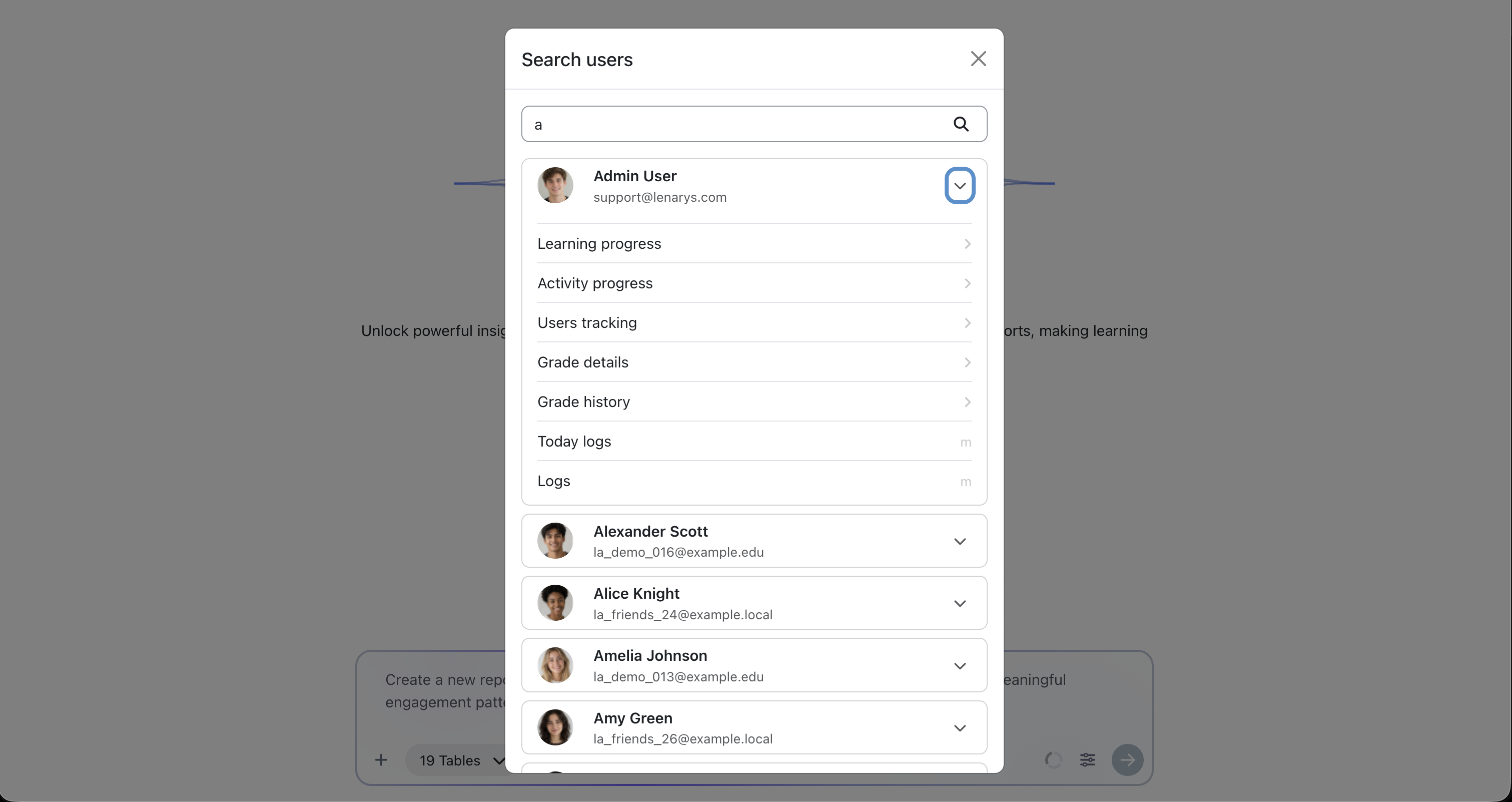
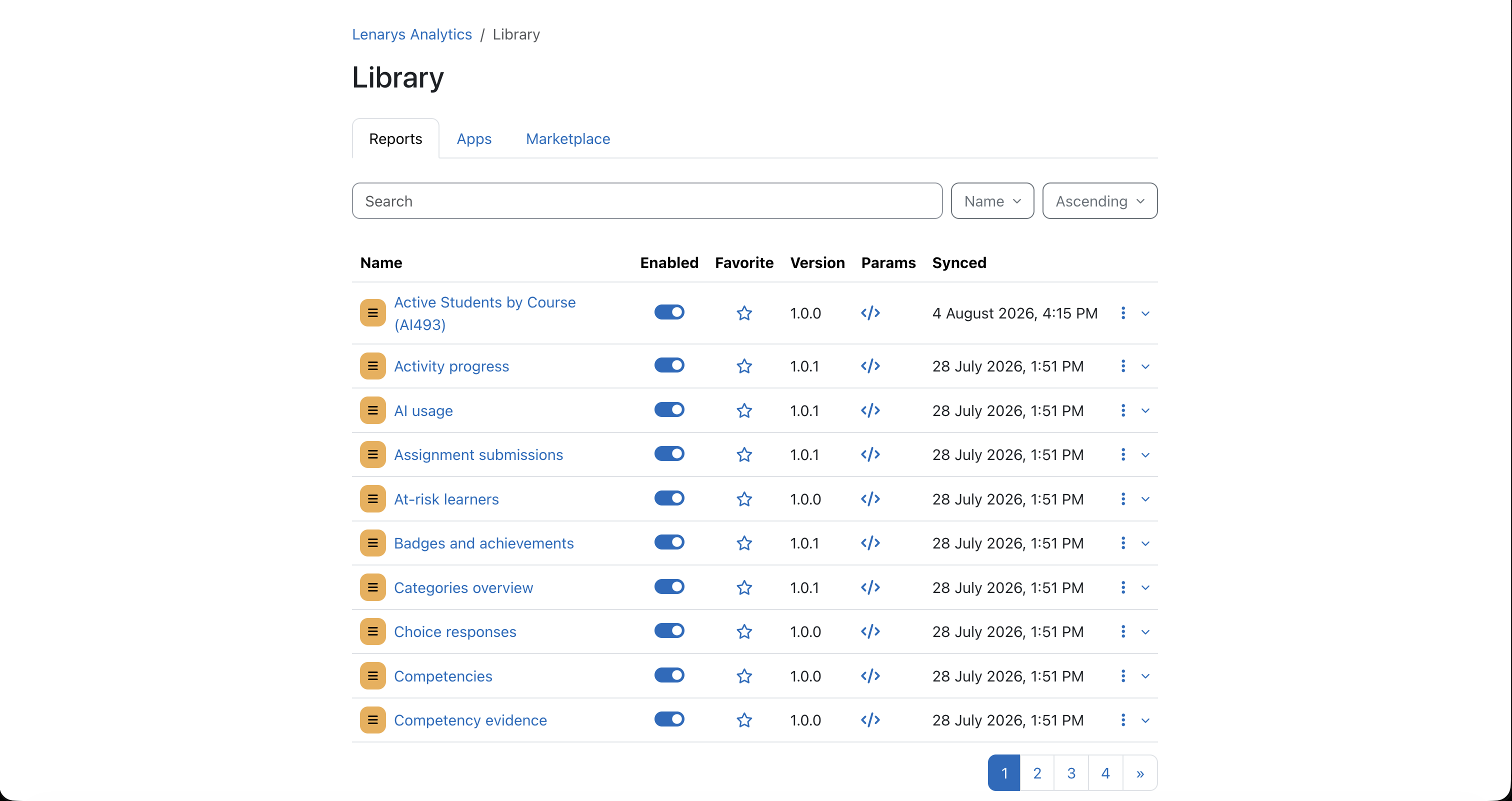
Install the plugin, open reports, review learner activity, and set up scheduled delivery within your Moodle platform workflow.
Setup guide
Follow the key steps to install the plugin, complete setup, choose a plan, and start sharing reports.
Start with the official platform package or GitHub release that matches your installation workflow.
Install from site administration and confirm the plugin is up to date.
Set up time tracking, choose the billing admin, and add your license in the plugin settings.
After installation, start with the included 30-day trial and select the plan that best fits your organization.
Open time tracking, heatmaps, apps, and library reports before building anything custom.
Share recurring report views with administrators, learning teams, and stakeholders who need reliable updates.
Download the plugin, install it from the administration area of your Moodle site, then follow the setup flow to connect the site and verify permissions.
No. Every new installation includes a 30-day trial with no credit card required, so you can explore core reports before choosing a paid plan.
Yes. On Moodle 4.5 or later, configure a Moodle AI provider with the Generate text action enabled. AI-assisted report definitions can then be reviewed before installation, including fields, SQL, access scope, and expected output.
The plugin is designed for reporting workflows. Reports read LMS data for reporting, schedules, and analytics without changing course activity records.
Use the support page if you want help with Lenarys Analytics installation, plan selection, report setup, or rollout questions for your team.