Lenarys Analytics features
Reporting tools for the Moodle™ platform
Lenarys Analytics is a plugin developed by Lenarys, LLC. Use it to bring reports, time tracking, drilldowns, apps, AI-assisted drafts, access controls, and performance monitoring into one workspace within your LMS.
Explore Lenarys Analytics features
See how reports, time tracking, drilldowns, apps, schedules, access controls, and AI assistance work together in the plugin.
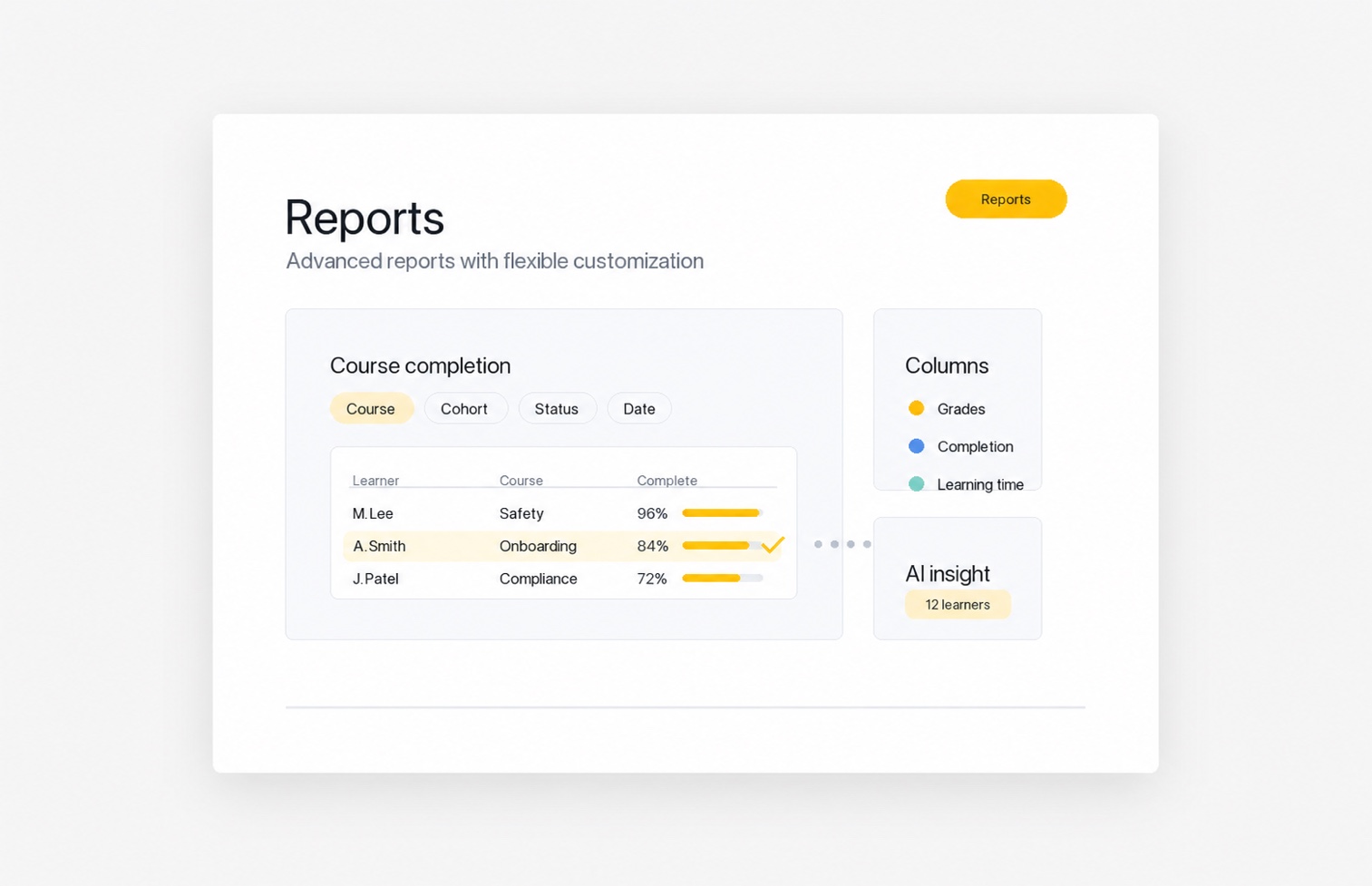
Reports
Start with advanced LMS reports for courses, users, grades, completion, engagement, and learning time, then customize when your team needs more detail.
- Column bank
- Smart filters
- Drilldowns
- AI Insights
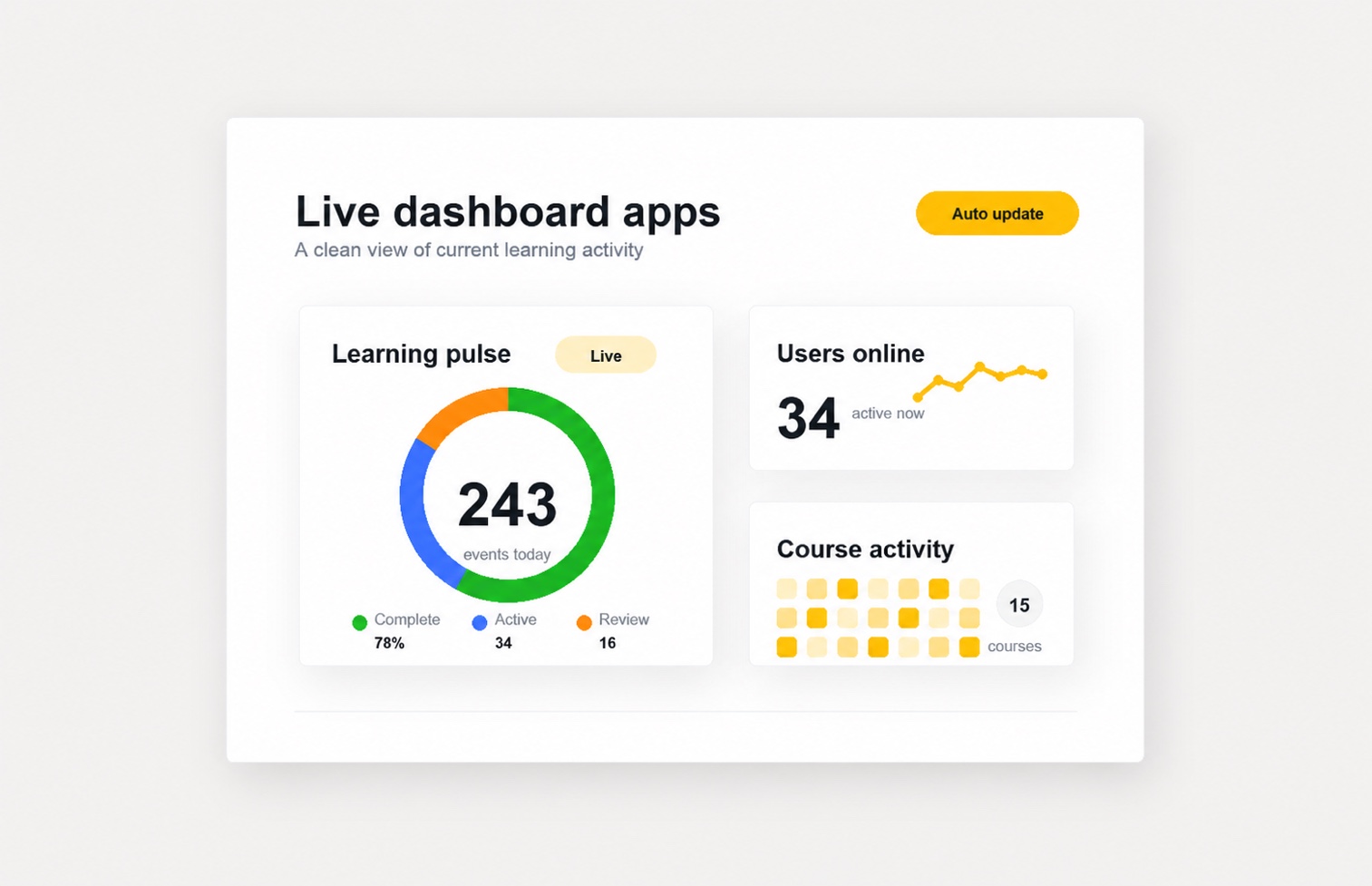
Apps
Use lightweight apps with live updates to extend the plugin for customer needs and keep key LMS signals current.
- Auto updates
- Live activity
- Summary totals
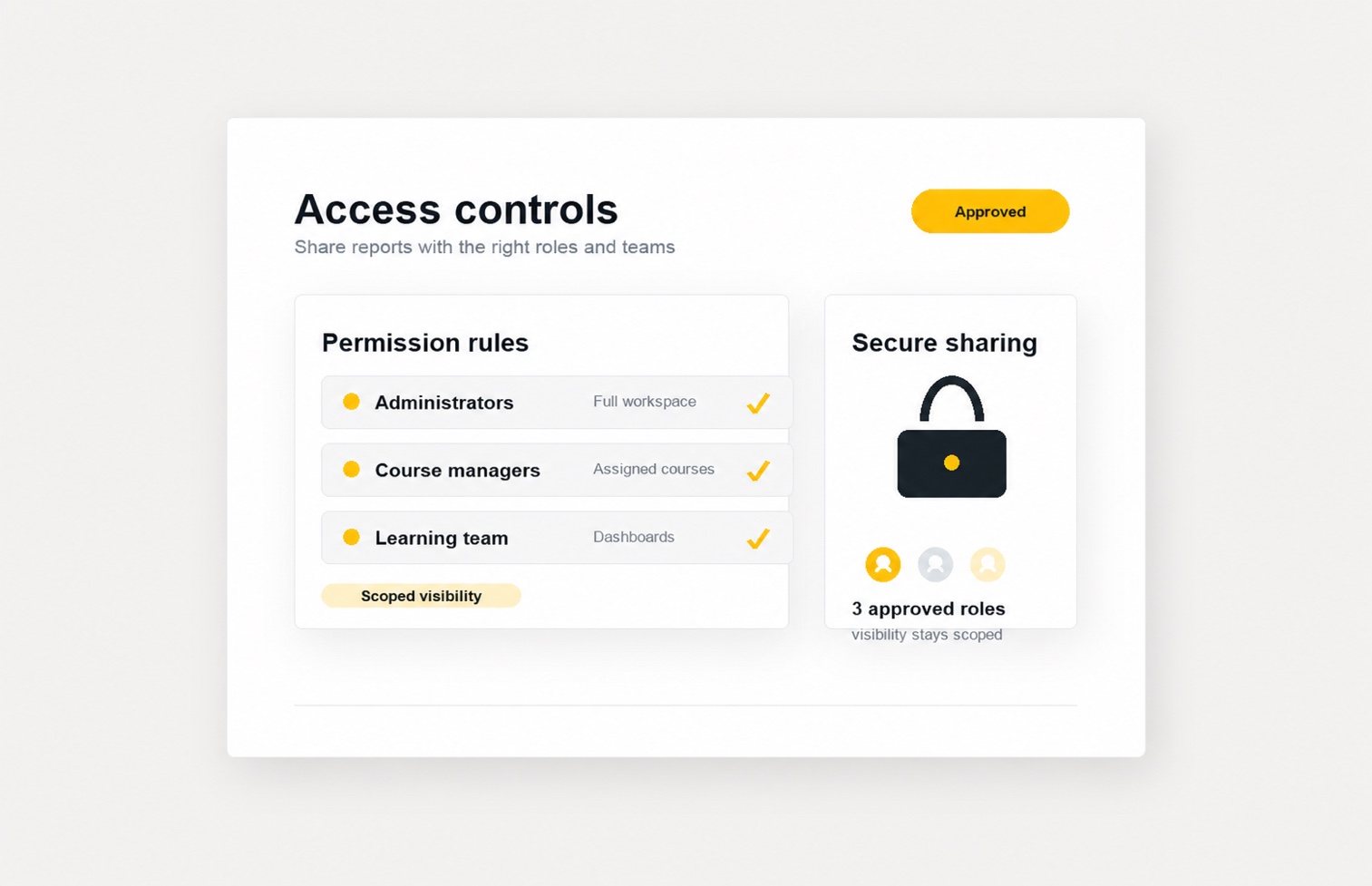
Access
Control who can view, manage, and schedule reports using LMS access rules for admins, roles, groups, and selected users.
- Audience
- Access manager
- Audit logs
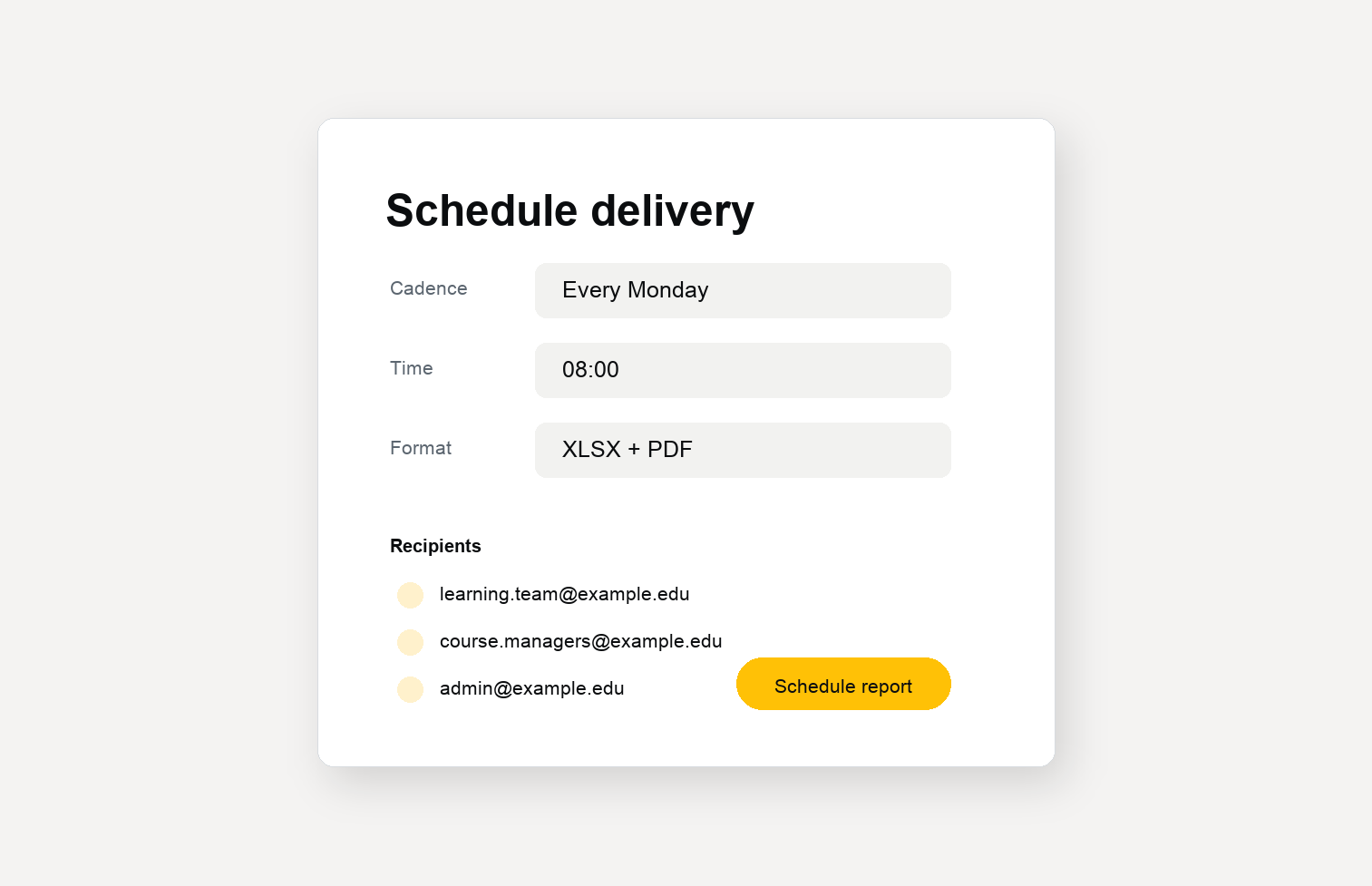
Schedule
Schedule recurring report delivery for administrators, report owners, and learning teams using a clear, familiar LMS workflow.
- Recurring delivery
- Report recipients
- Export formats
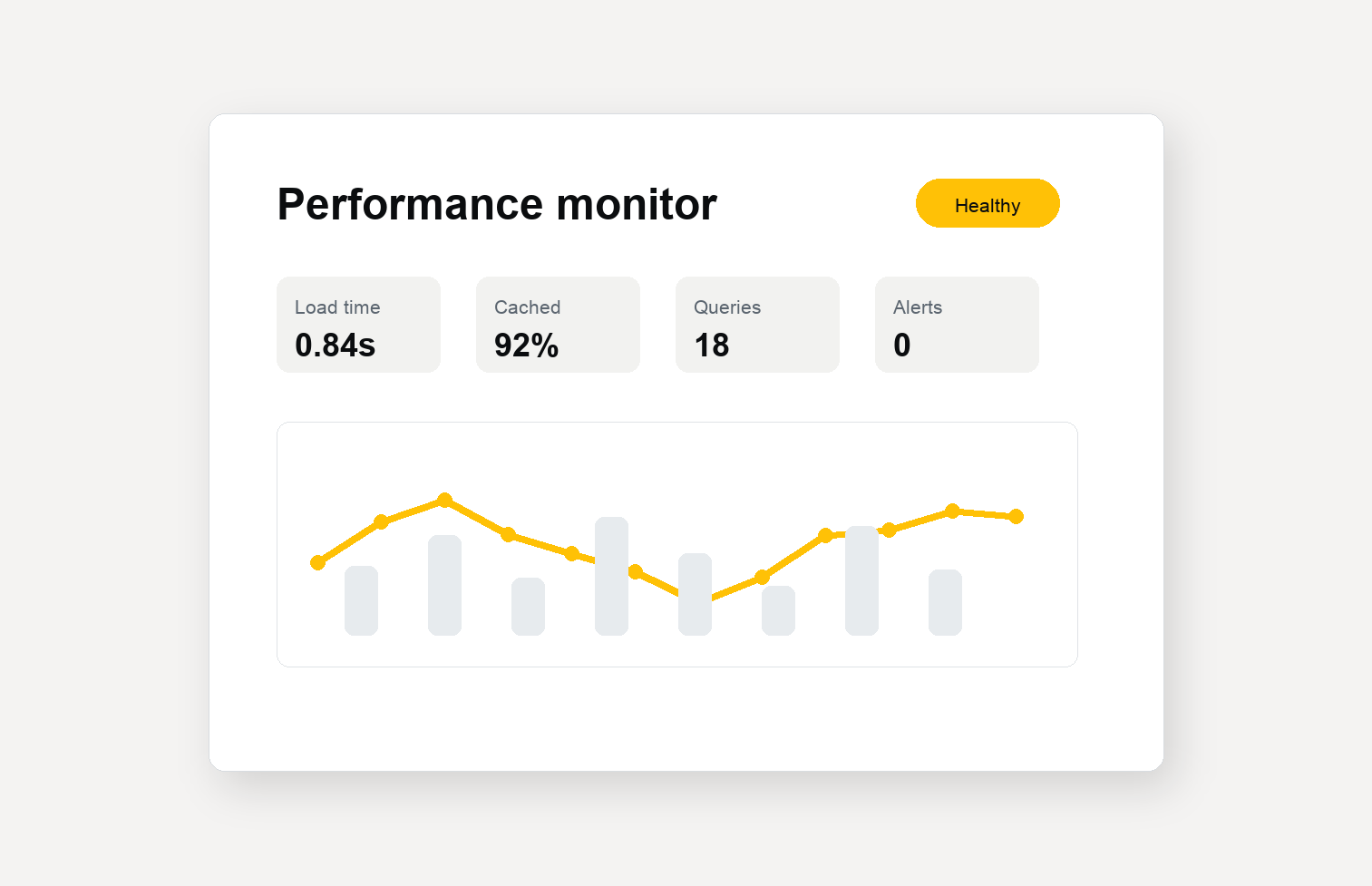
Performance
Keep reports fast and reliable with optimized queries, usage visibility, and monitoring built for LMS reporting at scale.
- Optimized queries
- Usage visibility
- Log monitoring
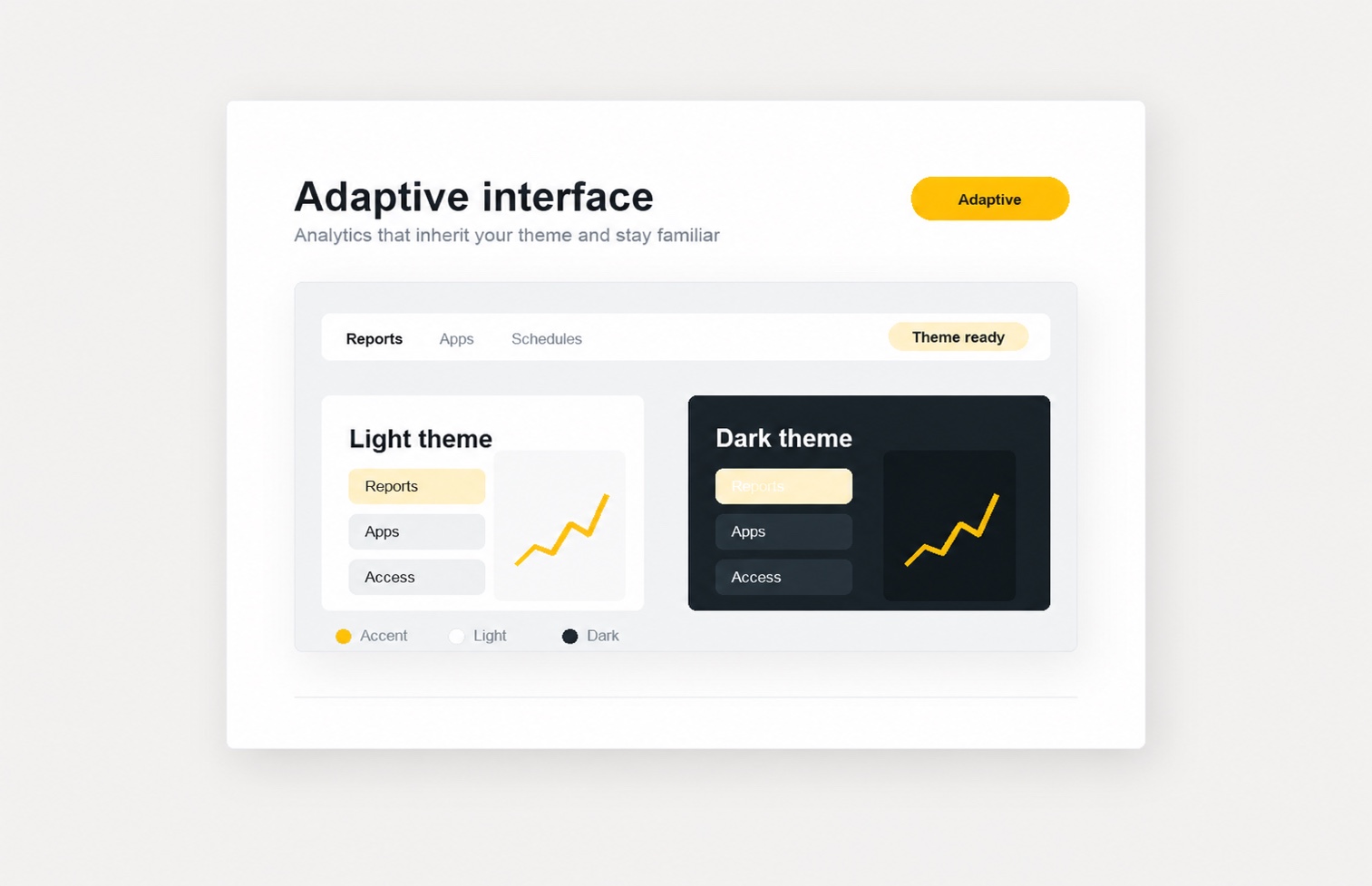
Adaptive UI
Use the plugin inside your LMS with a familiar interface, dark mode support, and styling that adapts to your installed theme.
- Integrated interface
- Dark mode
- Theme support
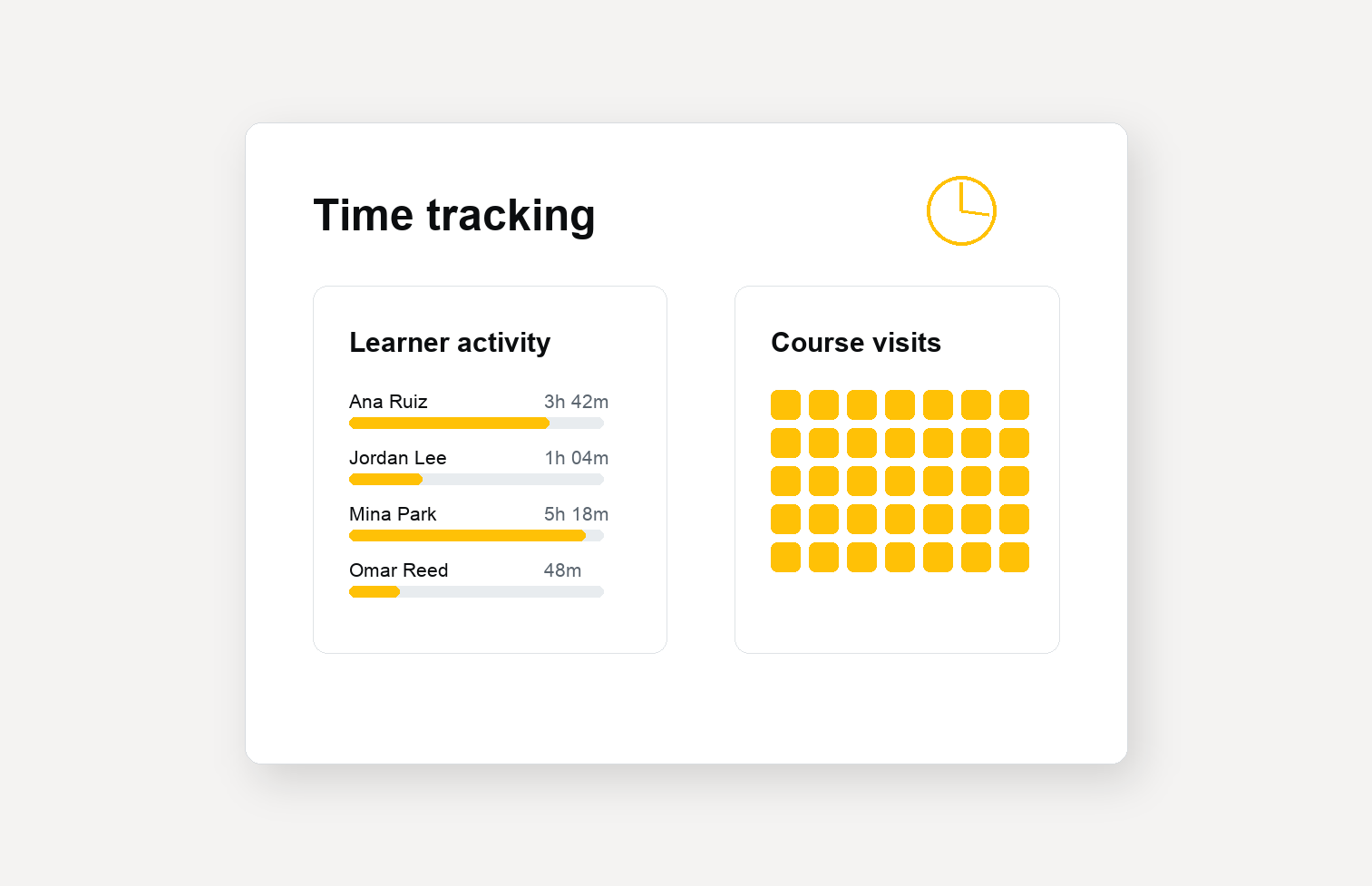
Time Tracking
See how much time learners spend in each course or activity, review visits, and use reports to understand engagement patterns.
- Learning time
- Visit tracking
- Engagement patterns
- Measure progress
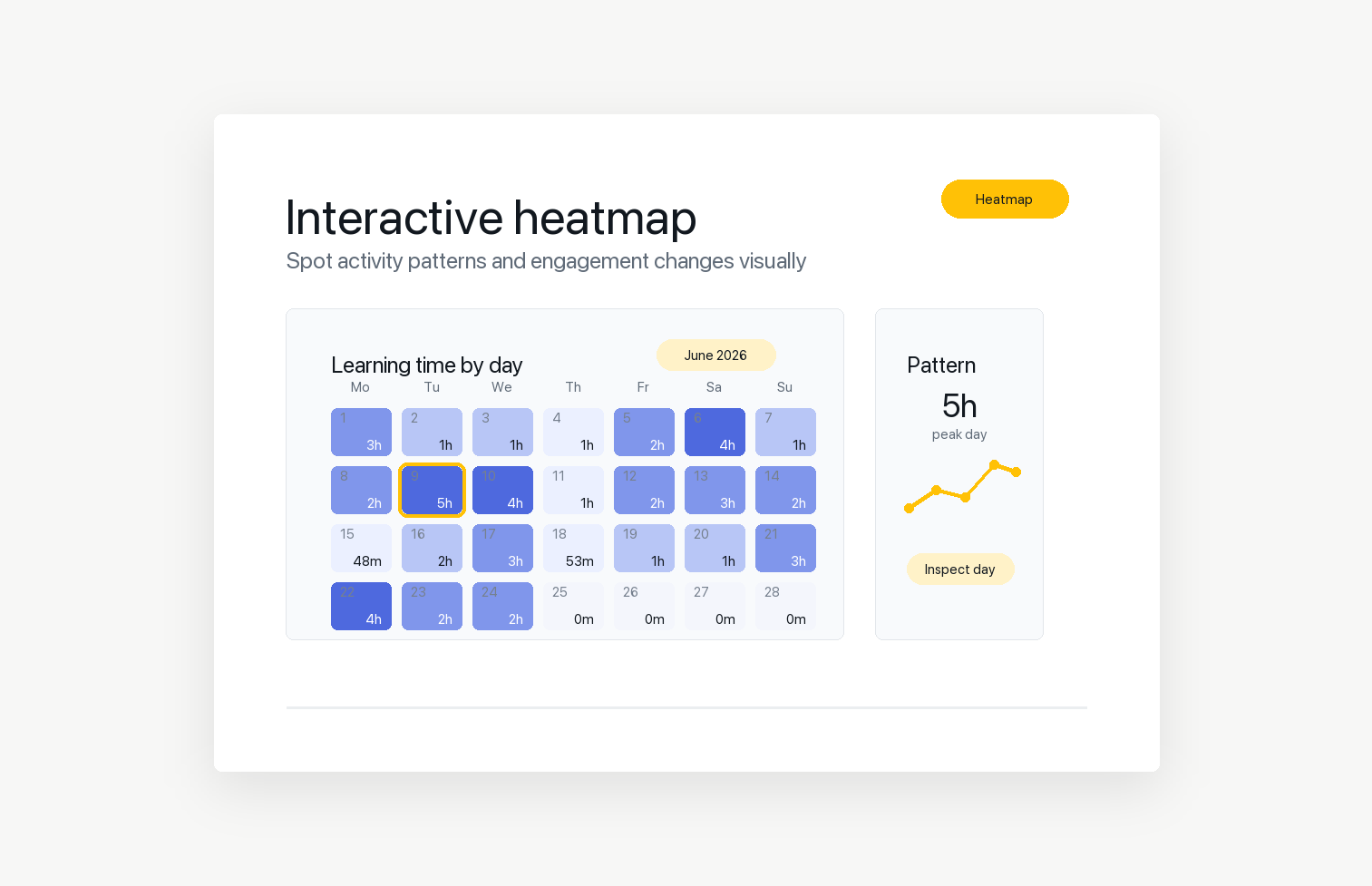
Interactive Heatmap
Use interactive heatmaps to spot activity patterns, busy periods, and engagement changes across LMS users, courses, and reports.
- Activity patterns
- Engagement changes
- Time periods
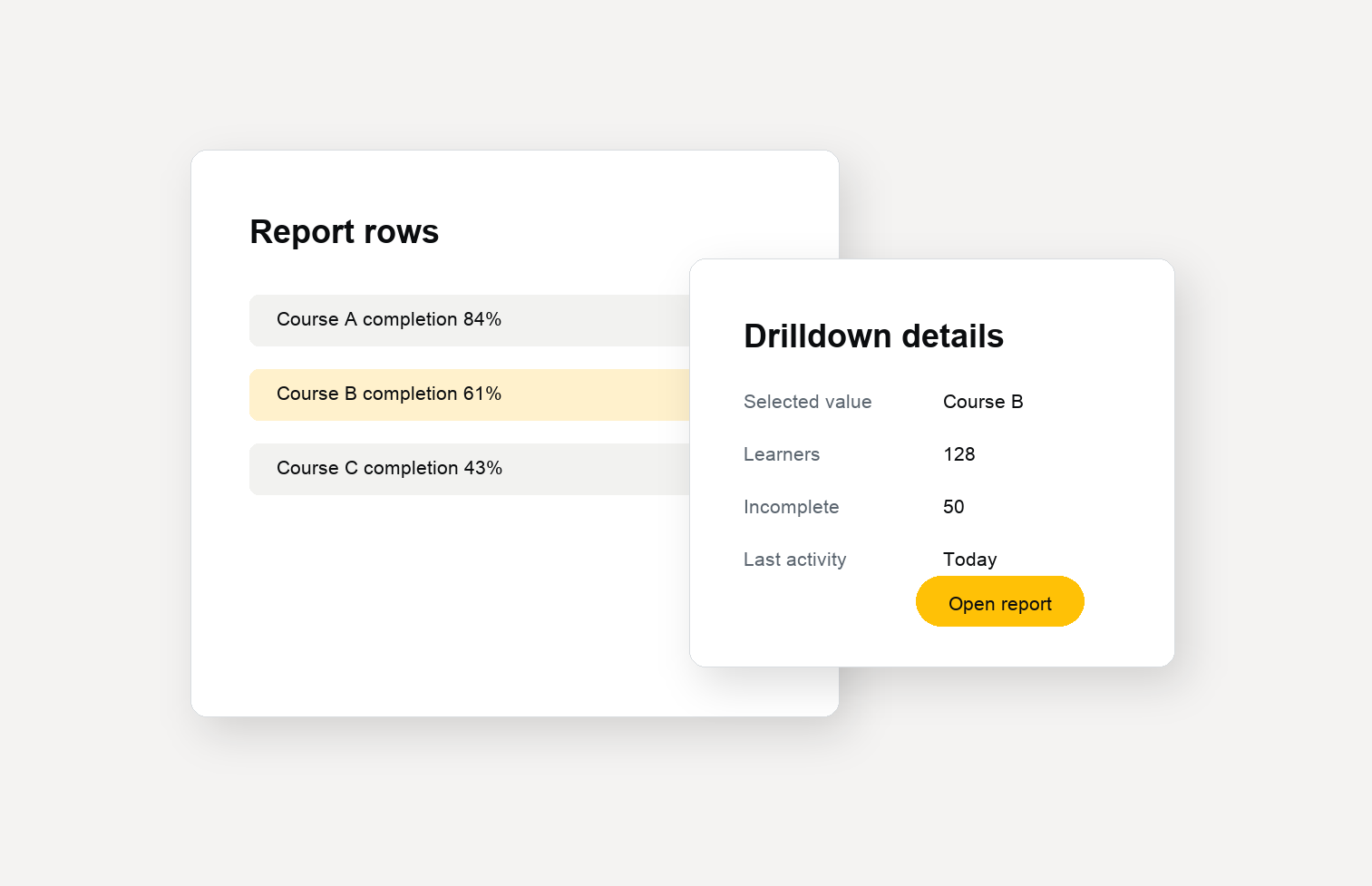
Drilldowns
Open focused modal windows from each value to inspect the details behind totals, charts, and report rows without losing context.
- Related records
- Value details
- Report context
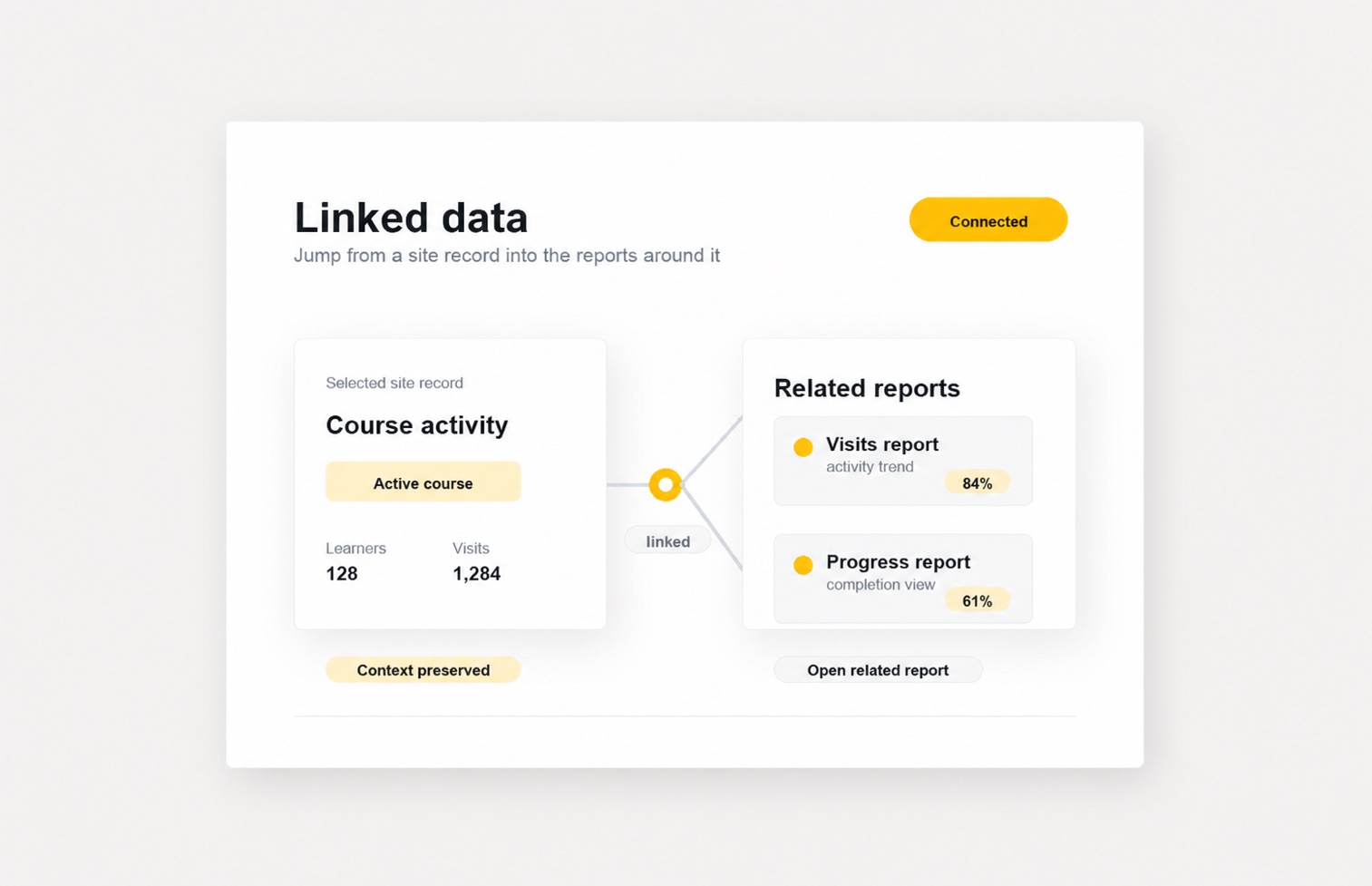
Linked Data
Move from one report row to related reports, LMS records, and LMS pages without searching manually.
- Linked reports
- LMS records
- Row links
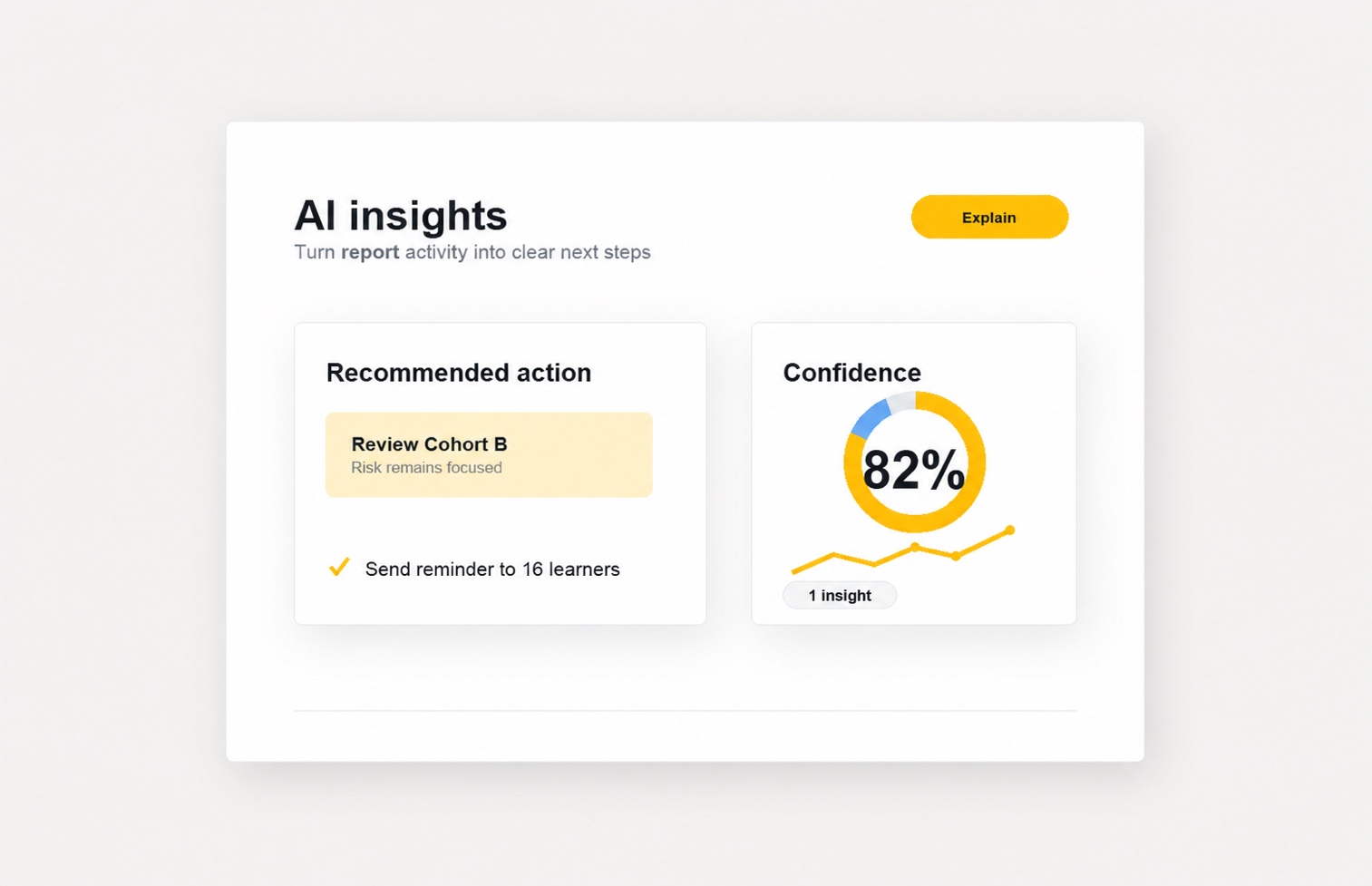
AI Insights
Turn selected report rows into AI-assisted summaries that help teams understand patterns, changes, and user stories.
- Row summaries
- Pattern review
- User stories
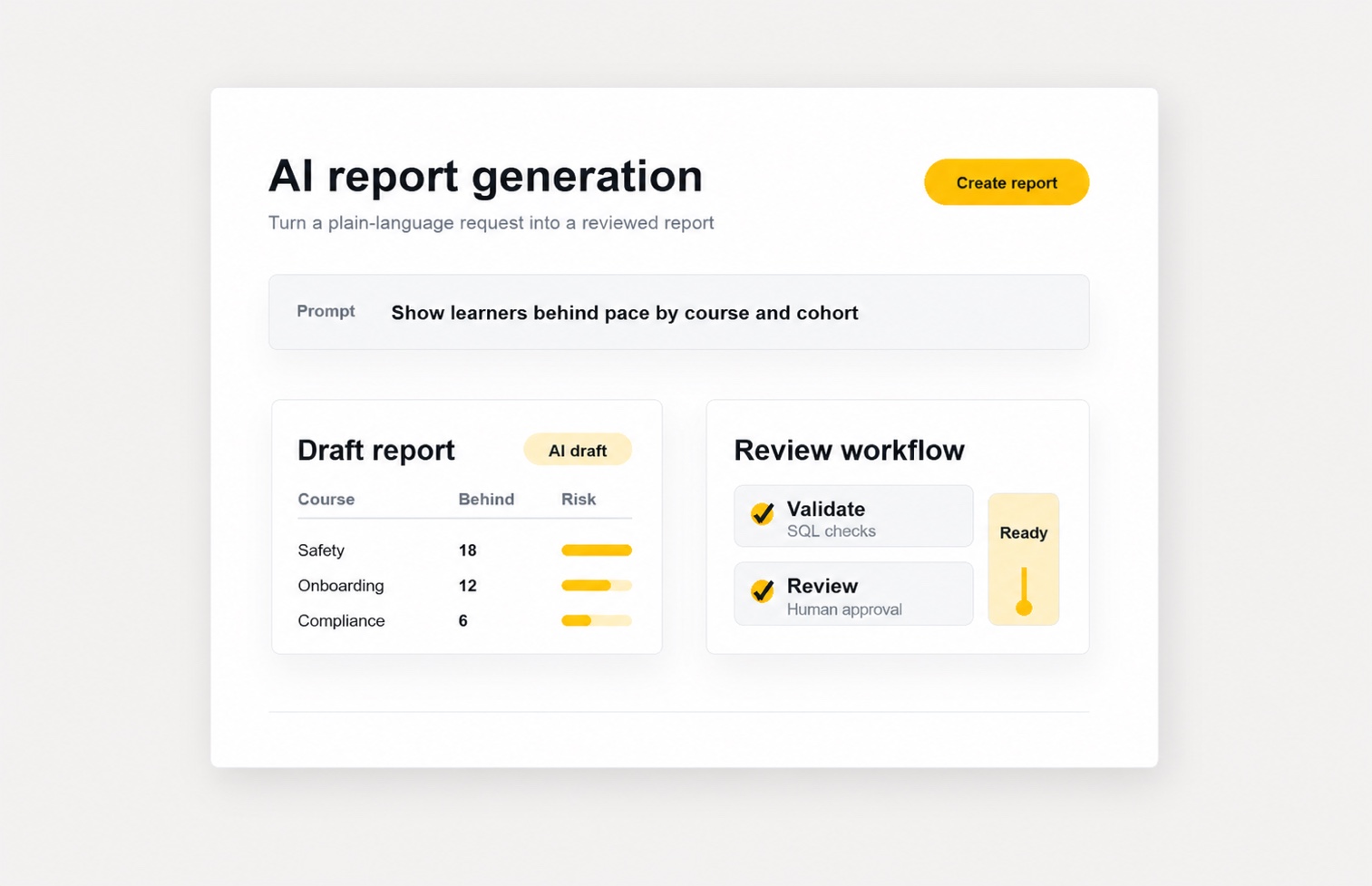
AI Report Generation
Generate and customize report drafts with AI assistance while keeping human review, SQL validation, and final control in the workflow.
- Prompt-based drafts
- Validation checks
- Final control
AI report generation requirement: Available on Moodle 4.5 or later. A configured Moodle AI provider must have the Generate text action enabled.
Start with a trial
Start reporting with Lenarys Analytics.
Explore core reports, track learner time and visits, and understand engagement patterns with a plugin built for the Moodle™ platform.